Content creation & social publishing tools

Create. Prepare.
Publish. Measure.

Practical tools to prepare content, publish consistently and understand what works. Bluesky publishing is supported today.

Explore Free Tools
Live demo

Watch a post go from idea to insight.

An interactive walkthrough with example data — it never touches a real account.

Free tools · no account needed

Free tools to prepare your content

Compress, resize and convert images, check how a link will preview, build tracked campaign links, and check a Bluesky post before it goes out. Most tools run entirely in your browser, with nothing uploaded.

Why SkyyCast instead of separate free tools and a separate scheduler? Because it connects checking, preparation and publishing in one workflow. See all free tools.

What you can count on

  • Your password stays yours

    SkyyCast connects through a secure authorization step and never stores your Bluesky password.

  • Text, images or video

    Attach up to four images, or one MP4 video, to a post.

  • Published in your timezone

    Each post goes live at the exact date and time you choose, in your own timezone.

  • Free to start

    The Free plan includes 15 successful publishes per calendar month.

Why it exists

What is SkyyCast?

SkyyCast is a set of content creation and social publishing tools for creators. Free tools help you prepare images, links and posts, and a publishing workspace helps you schedule, publish and understand your posts. Bluesky publishing is supported today. SkyyCast is built for creators, small teams, and anyone who wants to publish more consistently without juggling notes, reminders, and separate analytics tools.

It exists to close the gap between having ideas and actually posting them. Drafts sit unfinished, posting times slip, and there is rarely time to look back at what landed. SkyyCast keeps those steps together: write a post, attach an image, choose a time, and SkyyCast publishes it for you, then shows you how it performed. The result is fewer half-finished drafts, fewer posts that never go out, and a clearer read on which ones your audience actually wanted.

The workflow runs in four steps: create the post, prepare it with the free tools, publish it on schedule, and measure the results in analytics. Because creating, preparing, publishing, and measuring all live in the same place, you spend less time switching tools and more time on the posts themselves.

SkyyCast supports text, image, and video posts: attach up to four images, or one MP4 video, to a post. Video is not a separate plan — it uses the same scheduling queue and counts as one publish.

Without a plan

  • Drafts sit unfinished
  • Posting times slip
  • There is rarely time to look back at what landed

With SkyyCast

  • Write a post and attach images or a video
  • Choose a time, and SkyyCast publishes it for you
  • See how it performed
Features

Why SkyyCast

Stay consistent

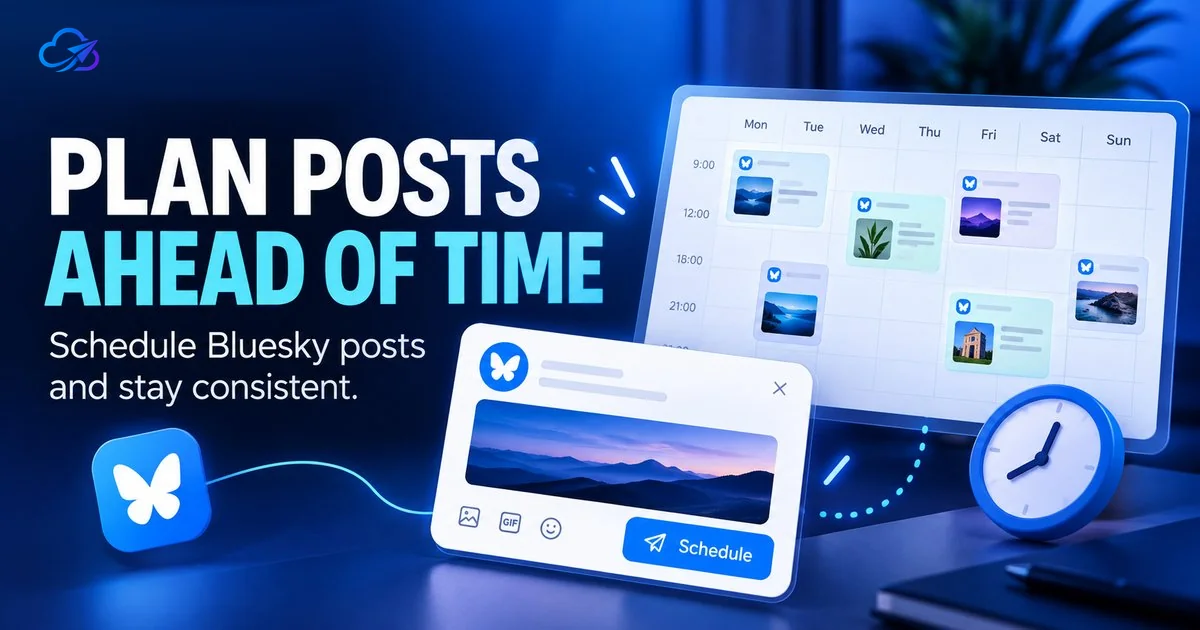
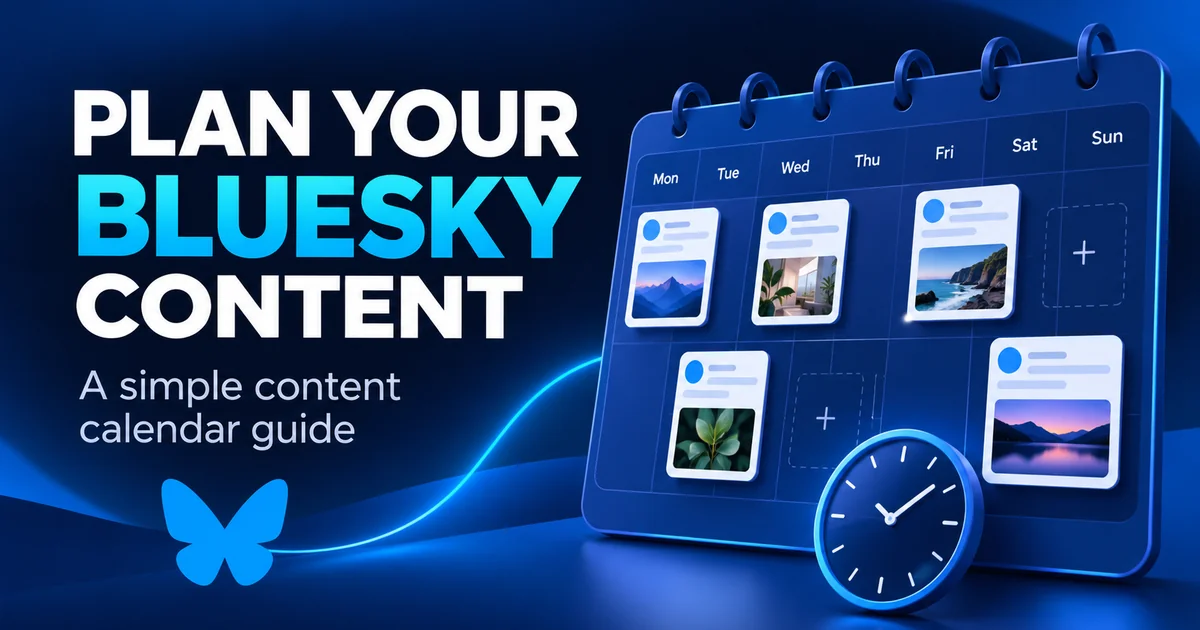
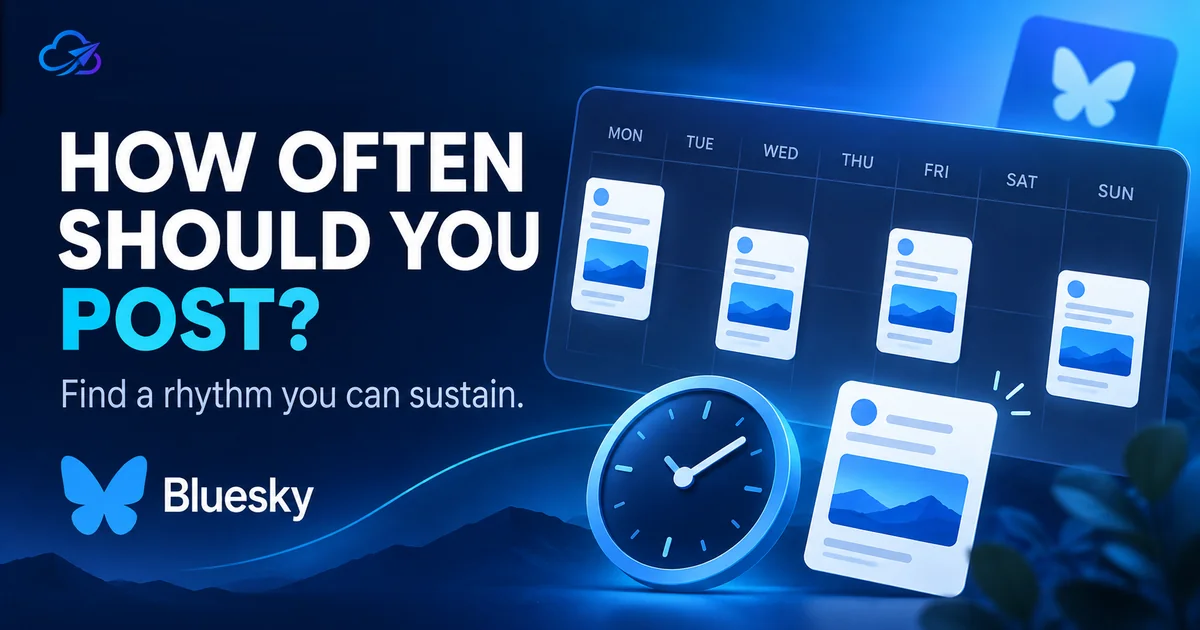
Scheduling posts ahead of time keeps your Bluesky feed active even on busy days, so you can build a steady rhythm without having to remember to post in the moment.

Your data. Your decisions.

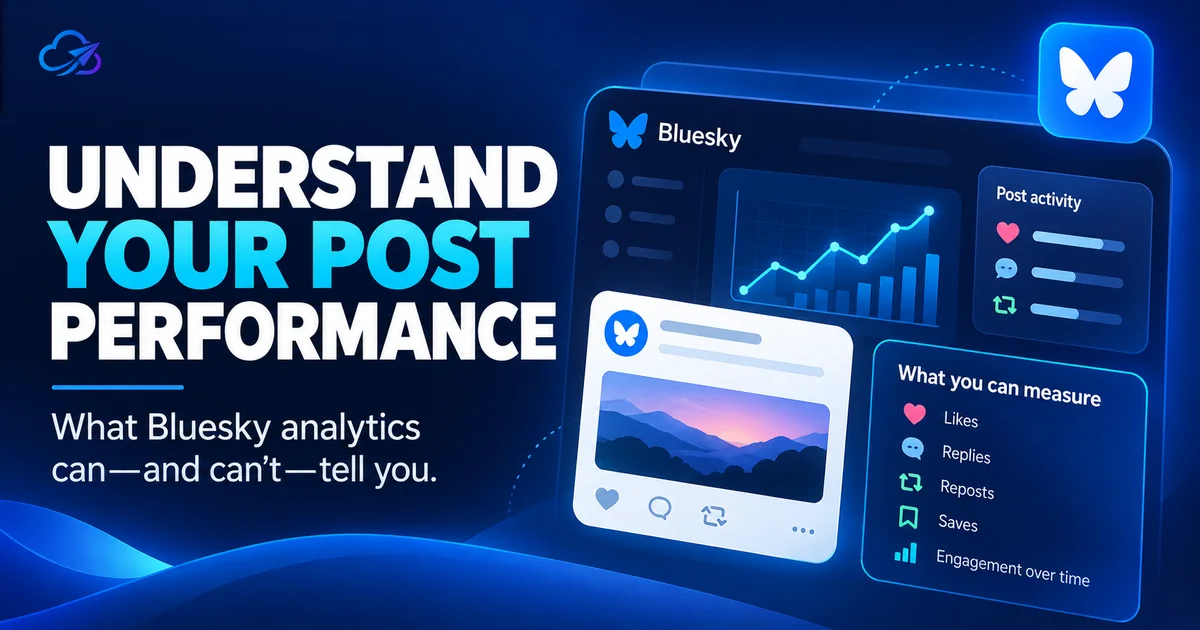
Analytics brings your own post metrics into one view, so you can see what is working and adjust your plan instead of guessing what your audience wants.

Privacy first

SkyyCast connects through a secure authorization and never stores your Bluesky password. You stay in control of access and can disconnect SkyyCast from your Bluesky settings at any time.

The workflow

From a draft to what worked

  1. Create

    Write the post in the editor with a live preview, and add up to four images with alt text, or one MP4 video.

  2. Prepare

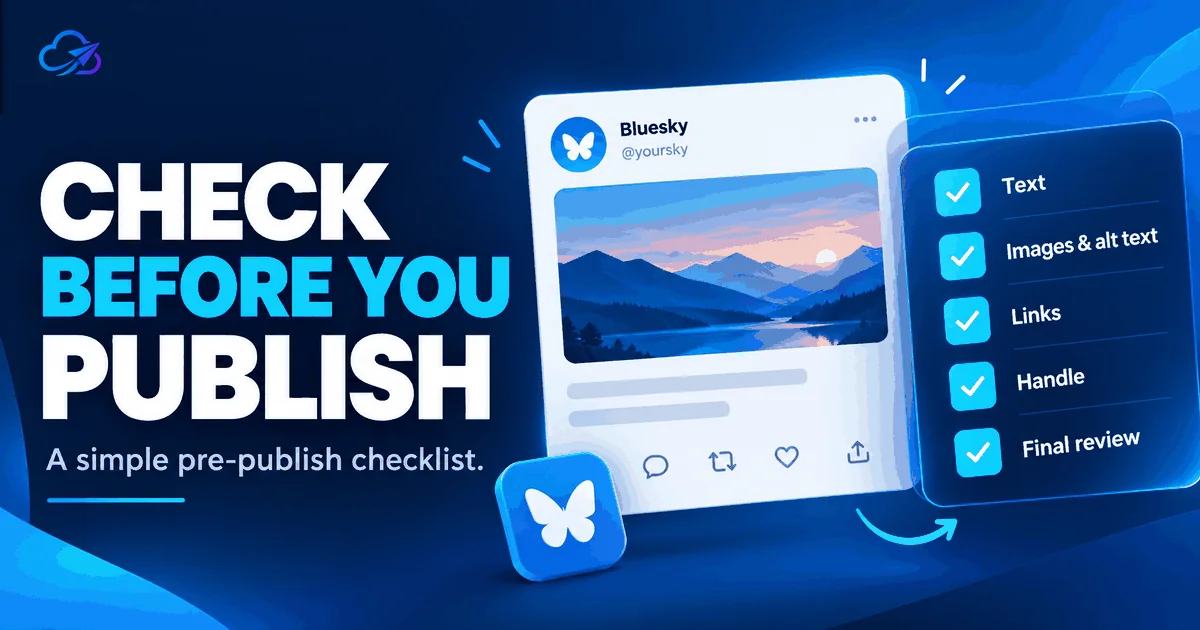
    Check the text, images, video and link with the free Bluesky Post Checker, then fix what is flagged with the free image, link and preview tools, such as compressing an oversized image or completing a campaign link. The tools work without an account and keep your files in your browser.

  3. Publish

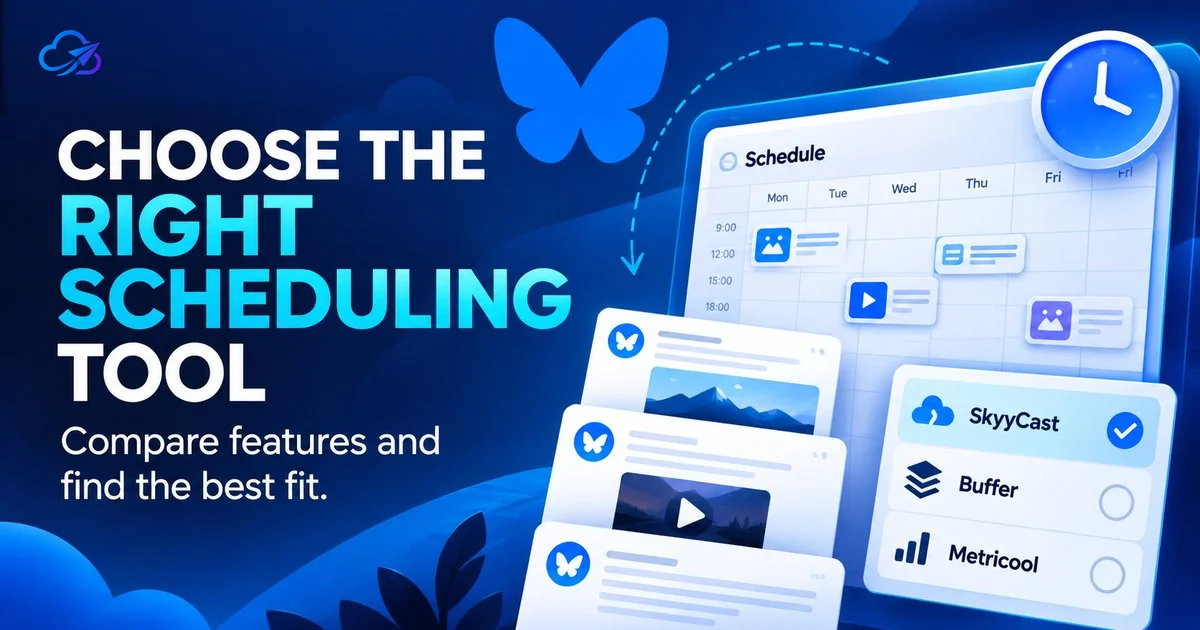
    Connect your Bluesky account once through a secure authorization step, then pick a date and time or drop the post onto the calendar. SkyyCast publishes each scheduled post to your connected Bluesky account at the right moment, so you do not have to be online for it to go out.

  4. Measure

    Review likes, reposts, replies, and quotes for published posts, and use what you learn to shape what you schedule next.

See the full walkthrough

Analytics

Understand what works

Review likes, reposts, replies, and quotes for published posts, and use what you learn to shape what you schedule next.

The Pro plan adds more detailed performance analytics:

  • Best posting times
  • Posting-time analysis
  • Content patterns
  • Top-content analysis
  • Personalized recommendations

Performance

Example data

48

Engagement

30

Likes

12

Posts

Best posting time

Tuesday · 7:00 PM

Pricing

Start free, upgrade when you need more

The Free plan includes the full scheduling and queue workflow. The Pro plan removes the monthly limit and adds more detailed performance analytics.

Free

$0

For getting started with scheduled Bluesky posting.

  • 15 scheduled publishes per month
  • Create, schedule, and publish to Bluesky
  • Publishing queue
  • Post performance tracking
See plan details
FAQ

Common questions

Which platforms can SkyyCast publish to?

Bluesky today. SkyyCast does not post to other networks. The free tools for compressing, resizing and converting images, checking link previews and building campaign links work for any content you prepare, whichever platform you publish on.

Does Bluesky have a built-in scheduler?

No. Bluesky is real-time only. Any scheduled Bluesky post is published through a third-party tool like SkyyCast at the time you choose.

Does SkyyCast store my Bluesky password?

No. SkyyCast connects through a secure authorization step and never stores your Bluesky password. You can disconnect SkyyCast from your Bluesky settings at any time.

Do I need an account to use the free tools?

No. The free tools work without signing in. The Post Checker, image tools and video checker run in your browser, so your text and files are not uploaded. The Social Preview Checker is the exception: it fetches the public page address you enter so it can read its preview tags.

How do the free tools connect to scheduling?

Check and fix a post with the Bluesky Post Checker, then choose Schedule with SkyyCast. Your post and images, or one MP4 video, are carried over in your browser only, and opened in the editor for you to review. Nothing is scheduled until you pick a time.

Can I schedule posts with images?

Yes. You can attach up to four images (JPEG, PNG, or WebP) to a post in the editor, add alt text to each, and schedule the post for later.

Can I schedule video posts?

Yes. You can attach one MP4 video to a post and schedule it like any other post. A post carries either one video or up to four images, not both. If you connected Bluesky before video was available, the editor asks you to reconnect once so Bluesky can grant the permission video needs.

What timezone are scheduled posts published in?

Each scheduled post publishes at the exact date and time you choose, in your own timezone. A post set for 7 PM goes live at 7 PM for you, and you do not need to be online when it publishes.

Is there a free plan, and what does Pro add?

Yes. The Free plan includes the full scheduling and queue workflow with 15 successful publishes per calendar month. The Pro plan removes that monthly limit and adds more detailed performance analytics. See the pricing page for the details.

Ready to take control of your Bluesky content?

Schedule consistently. Understand your performance. Improve over time.